🎉 Up to 70% Off Selected ItemsShop Sale
\n\n\n
- \n
- If you're using a Windows device, you can know which version of DP you have by checking your CPU generation: DP version 1.2 if your CPU is Intel generation 10 or earlier; DP version 1.4 if your CPU is Intel generation 11 or later; DP version 1.4 if you're using a workstation laptop with an NVIDIA GPU.\n \n
- If you're using a MacBook, iMac, or iPad, you can find your DP version from the list: DP 1.4: iPad Pro (3rd generation and later), MacBook Pro ( 2017, 2019, 2020, 2021), MacBook Air (2020), MacBook Air (13-inch, M1, 2020), iMac (2017 and later), iMac Pro (2017 and later); DP 1.2: iPad Air (4th generation), MacBook Air (2018), MacBook Pro (2016), Mac mini (2018) \n
3. If you are using a Macbook for single display, make sure to complete following set up to get the best resolution:
Click System Settings -> Displays -> Optimize For, then choose your Monitor Connected, and set your max resolution according to your monitor devices.
","image":["/images/nexaloom.shop/images/product/portaljoy-13-in-1-usb-c-hub-1.jpg","/images/nexaloom.shop/images/product/portaljoy-13-in-1-usb-c-hub-2.jpg","/images/nexaloom.shop/images/product/portaljoy-13-in-1-usb-c-hub-3.jpg","/images/nexaloom.shop/images/product/portaljoy-13-in-1-usb-c-hub-4.jpg","/images/nexaloom.shop/images/product/portaljoy-13-in-1-usb-c-hub-5.jpg","/images/nexaloom.shop/images/product/portaljoy-13-in-1-usb-c-hub-6.jpg","/images/nexaloom.shop/images/product/portaljoy-13-in-1-usb-c-hub-7.jpg"],"sku":"portaljoy-13-in-1-usb-c-hub","brand":{"@type":"Brand","name":"Baseus Official"},"offers":{"@type":"AggregateOffer","lowPrice":48.99,"highPrice":48.99,"priceCurrency":"USD","availability":"https://schema.org/InStock","url":"https://nexaloom.shop/products/portaljoy-13-in-1-usb-c-hub","offerCount":1}}
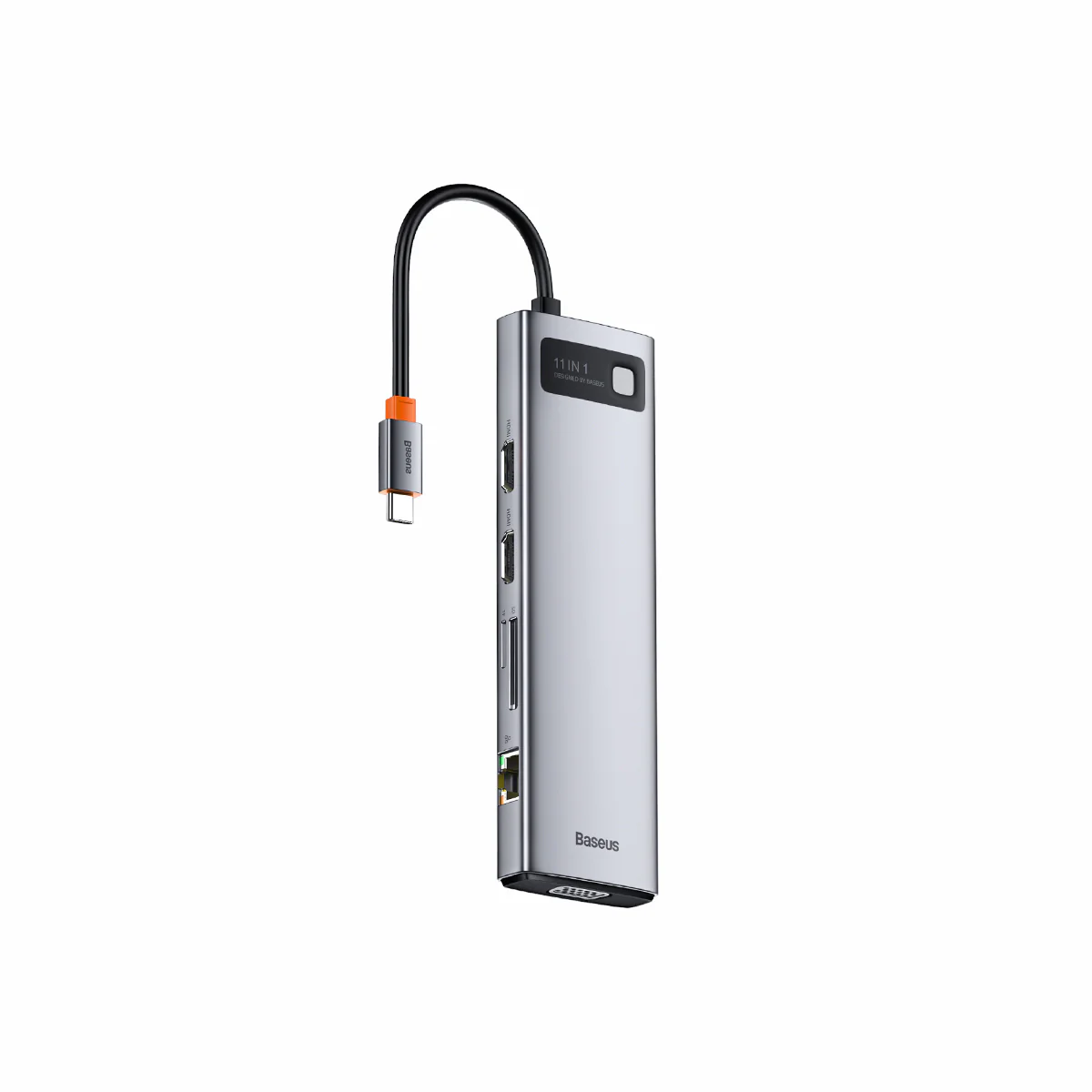
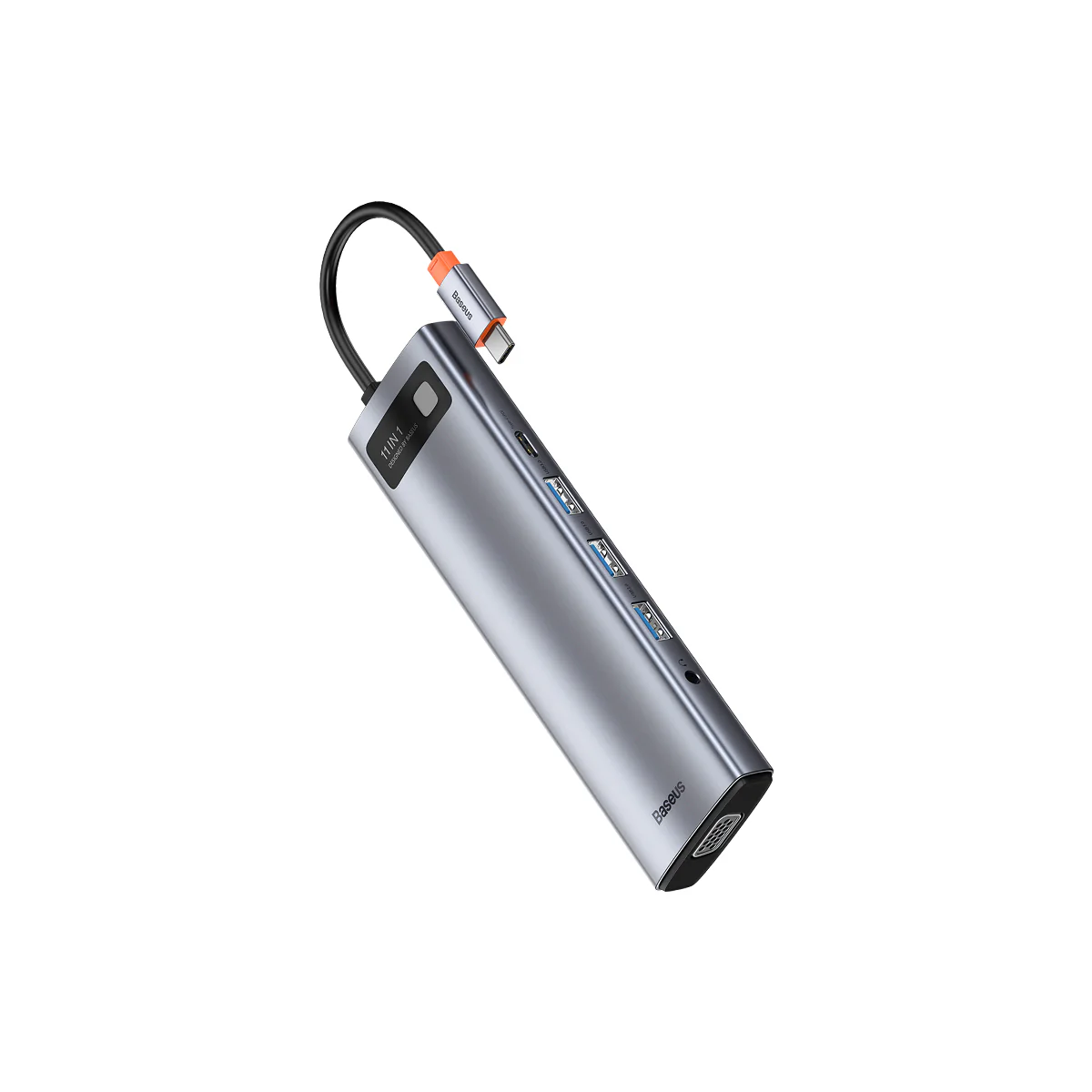
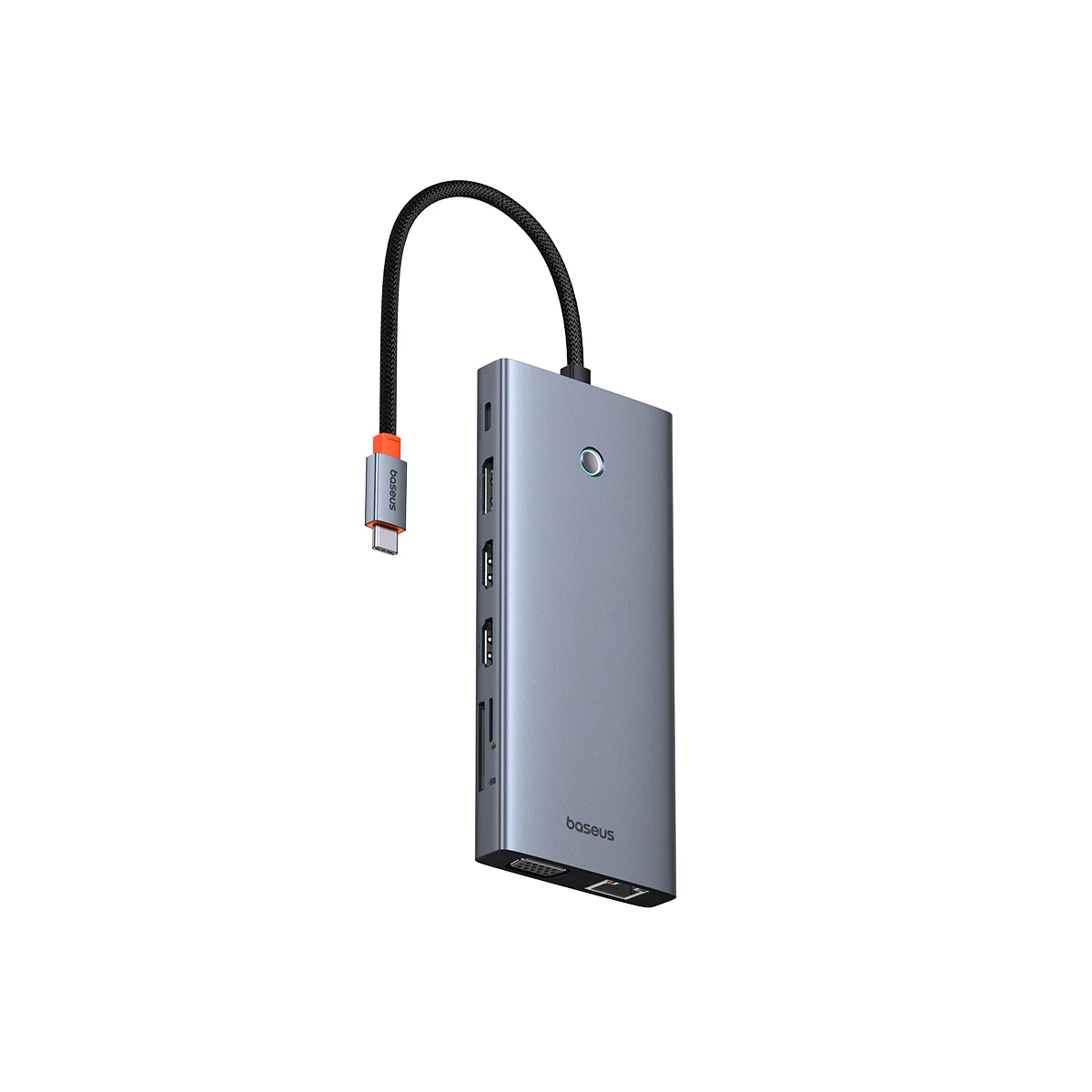
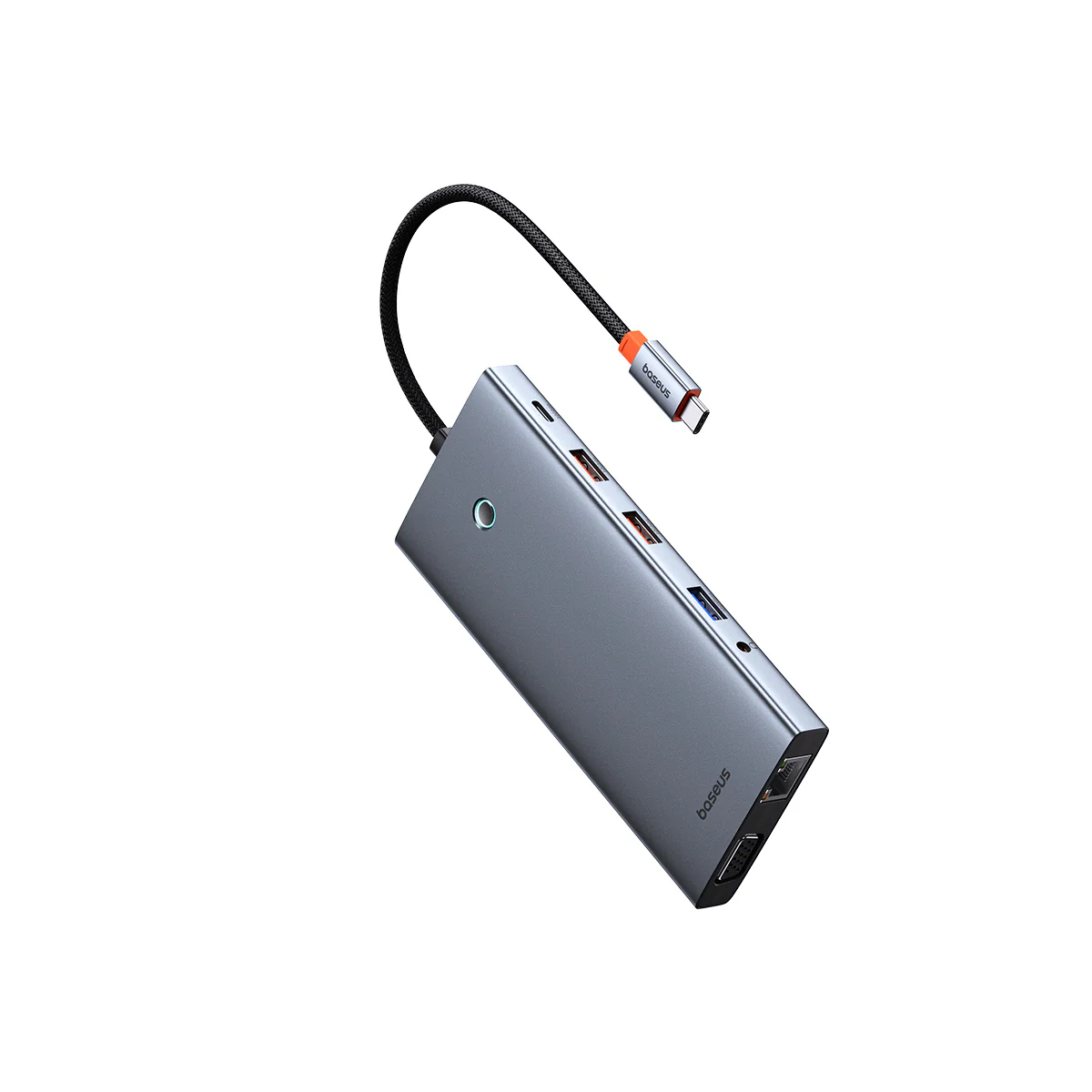
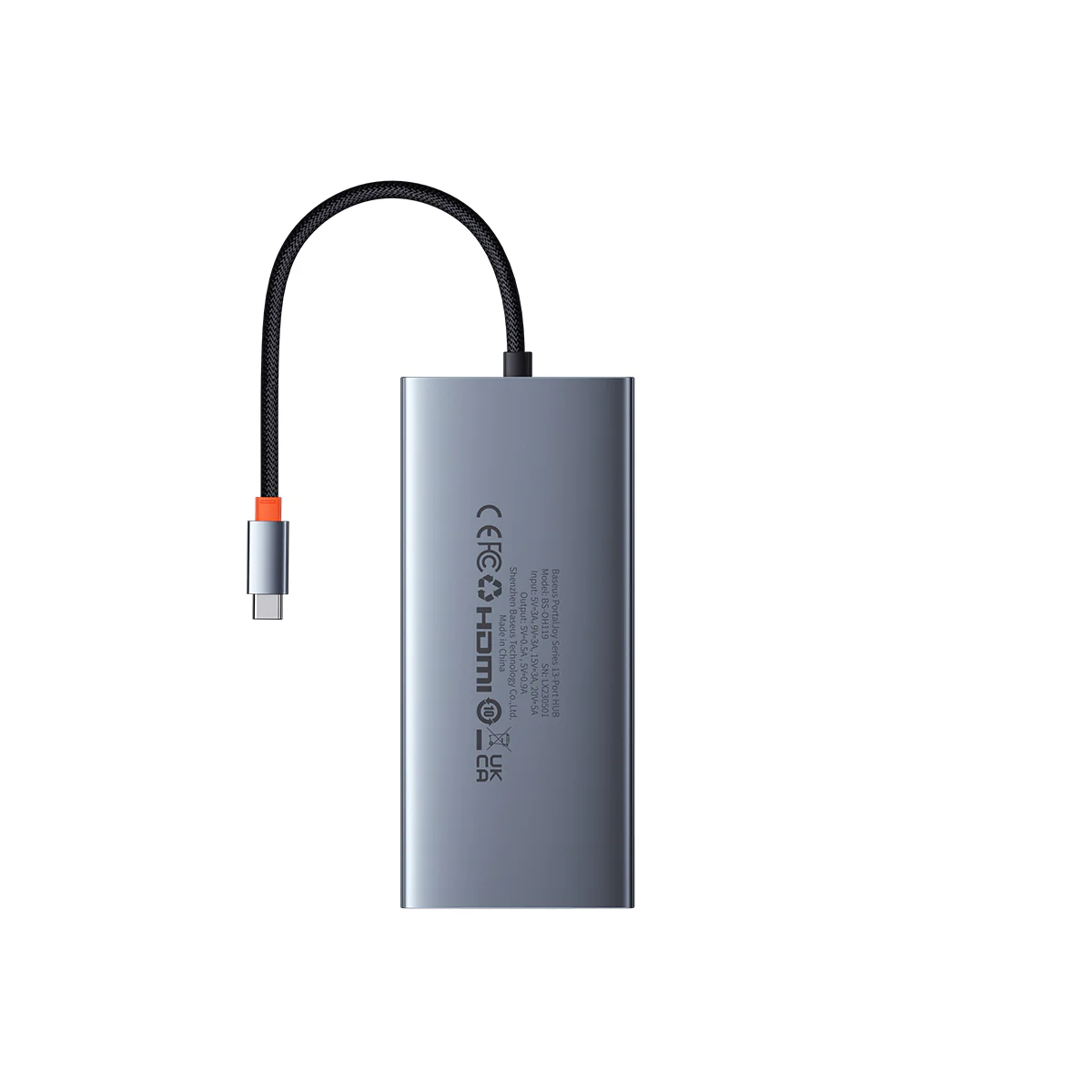
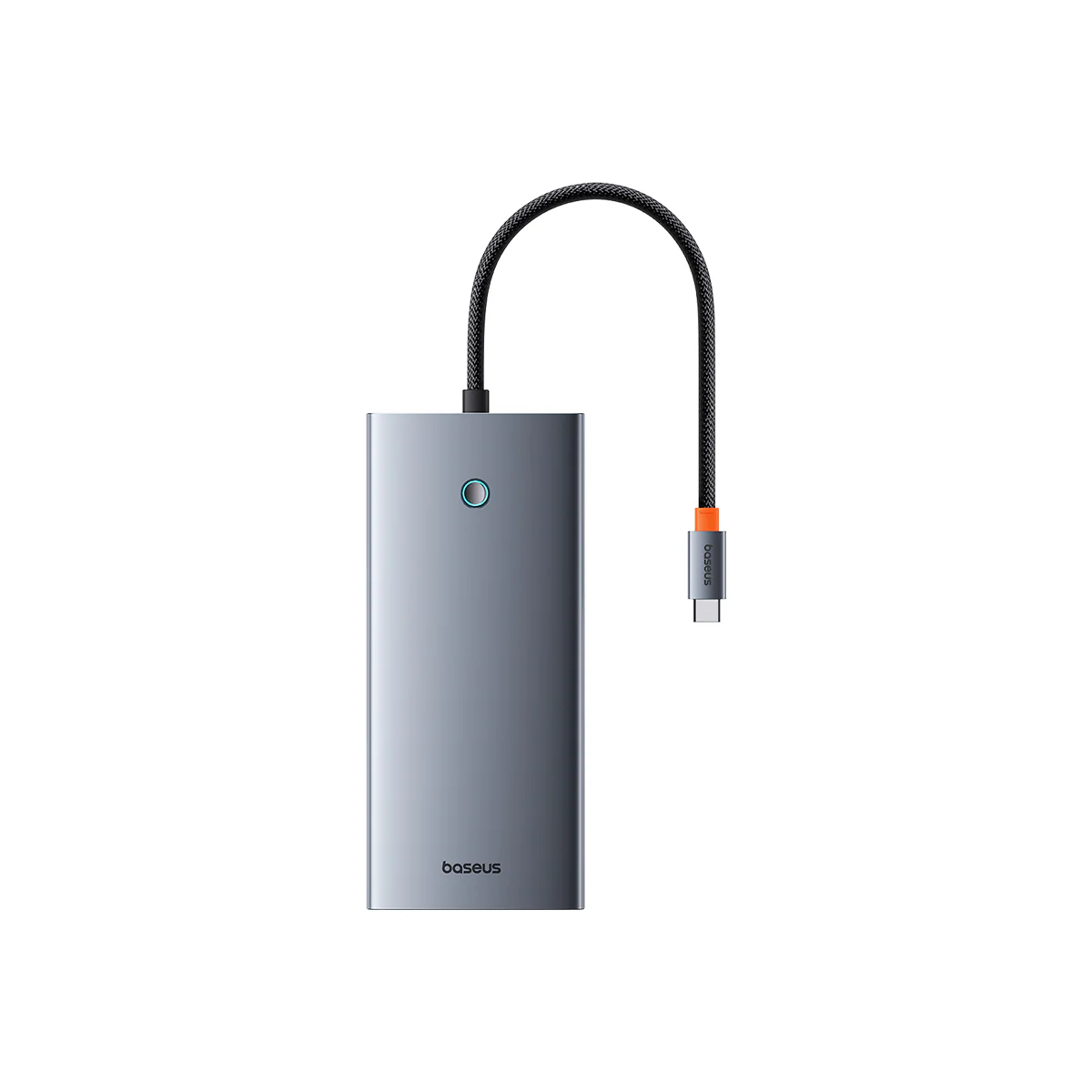
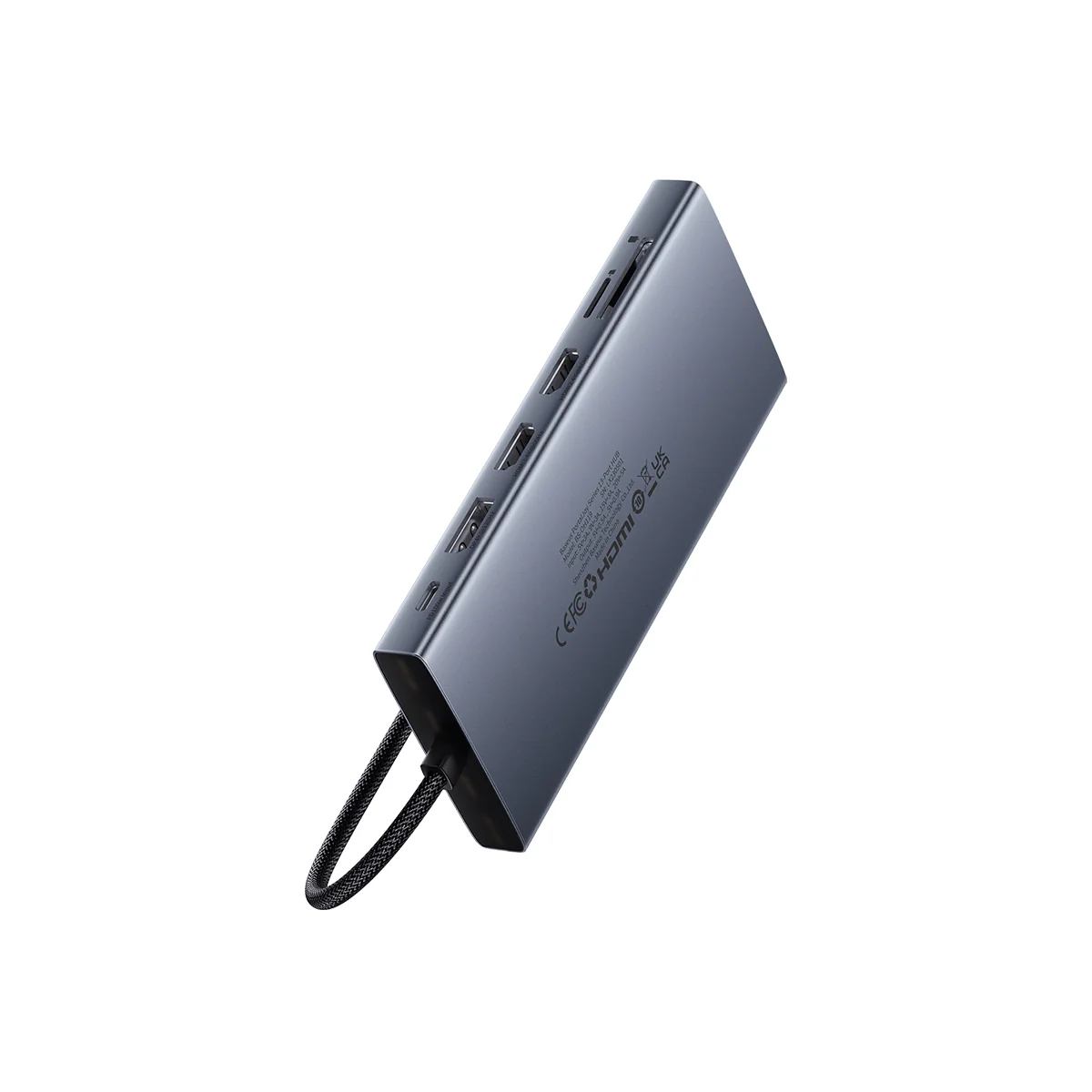
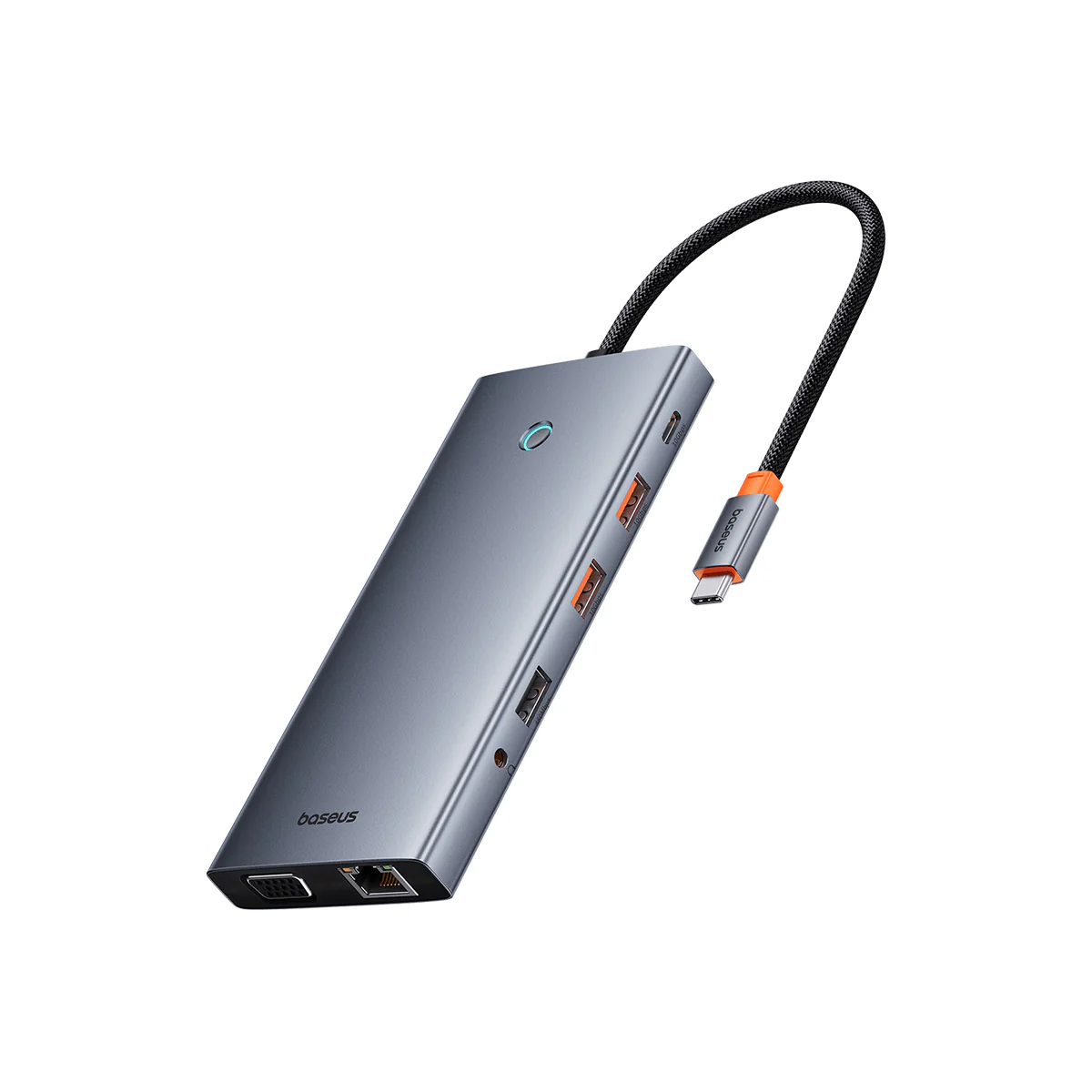
Baseus PortalJoy 13 in 1 USB-C Hub


WARM TIPS
- If you're using a Windows device, you can know which version of DP you have by checking your CPU generation: DP version 1.2 if your CPU is Intel generation 10 or earlier; DP version 1.4 if your CPU is Intel generation 11 or later; DP version 1.4 if you're using a workstation laptop with an NVIDIA GPU.
- If you're using a MacBook, iMac, or iPad, you can find your DP version from the list: DP 1.4: iPad Pro (3rd generation and later), MacBook Pro ( 2017, 2019, 2020, 2021), MacBook Air (2020), MacBook Air (13-inch, M1, 2020), iMac (2017 and later), iMac Pro (2017 and later); DP 1.2: iPad Air (4th generation), MacBook Air (2018), MacBook Pro (2016), Mac mini (2018)
3. If you are using a Macbook for single display, make sure to complete following set up to get the best resolution:
Click System Settings -> Displays -> Optimize For, then choose your Monitor Connected, and set your max resolution according to your monitor devices.
$48.99
Baseus PortalJoy 13 in 1 USB-C Hub—
$48.99
Description
WARM TIPS
- If you're using a Windows device, you can know which version of DP you have by checking your CPU generation: DP version 1.2 if your CPU is Intel generation 10 or earlier; DP version 1.4 if your CPU is Intel generation 11 or later; DP version 1.4 if you're using a workstation laptop with an NVIDIA GPU.
- If you're using a MacBook, iMac, or iPad, you can find your DP version from the list: DP 1.4: iPad Pro (3rd generation and later), MacBook Pro ( 2017, 2019, 2020, 2021), MacBook Air (2020), MacBook Air (13-inch, M1, 2020), iMac (2017 and later), iMac Pro (2017 and later); DP 1.2: iPad Air (4th generation), MacBook Air (2018), MacBook Pro (2016), Mac mini (2018)
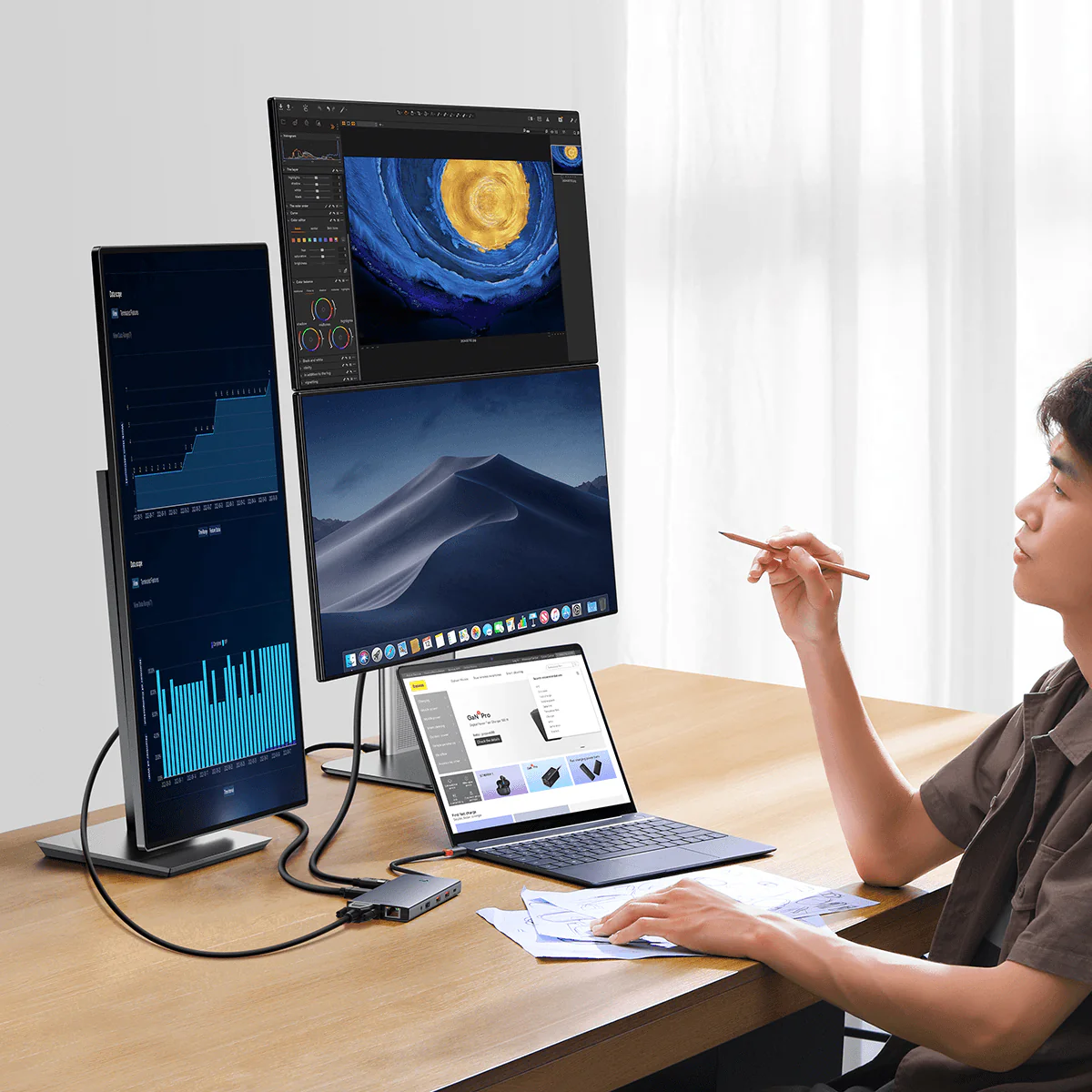
3. If you are using a Macbook for single display, make sure to complete following set up to get the best resolution:
Click System Settings -> Displays -> Optimize For, then choose your Monitor Connected, and set your max resolution according to your monitor devices.